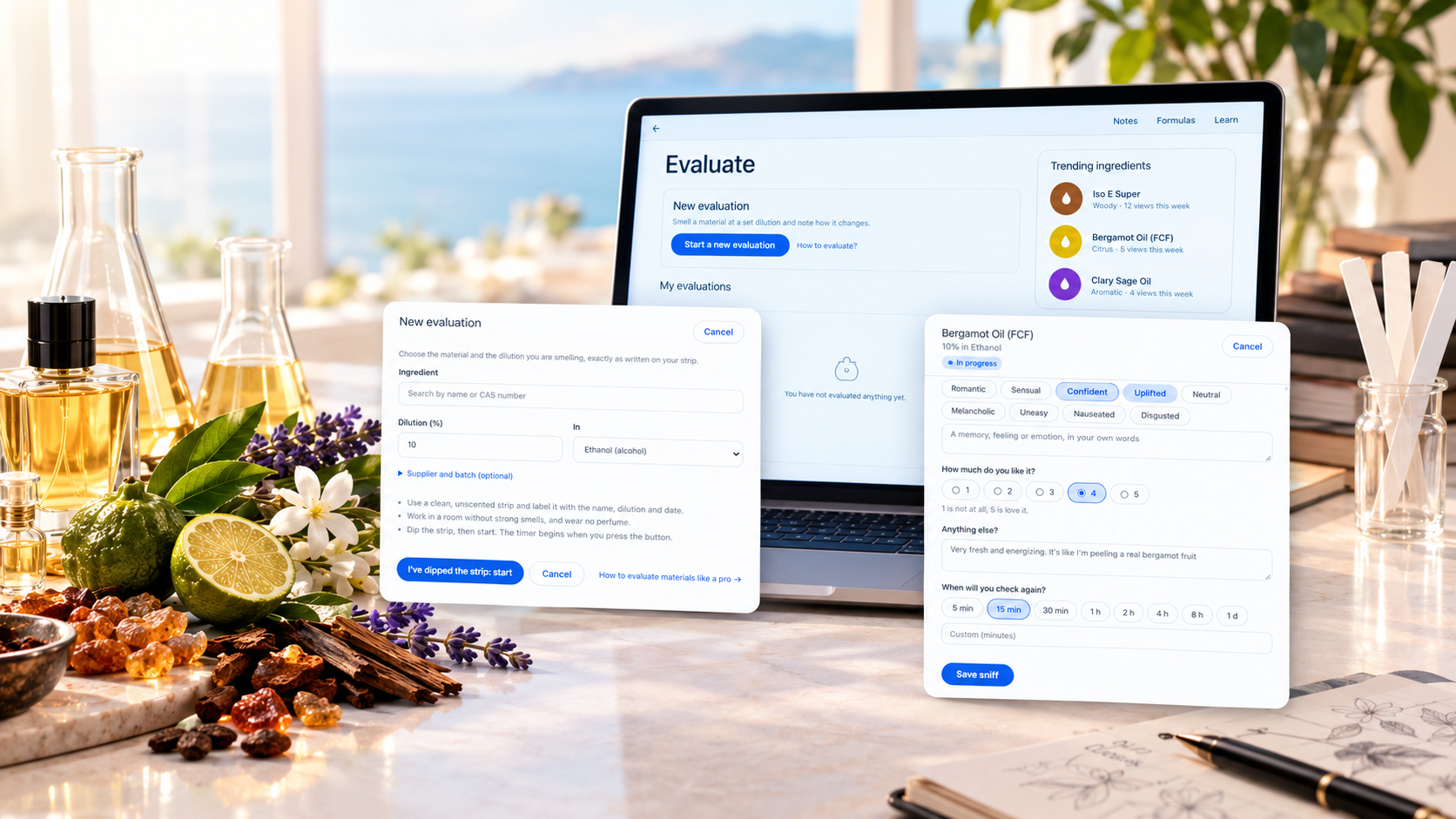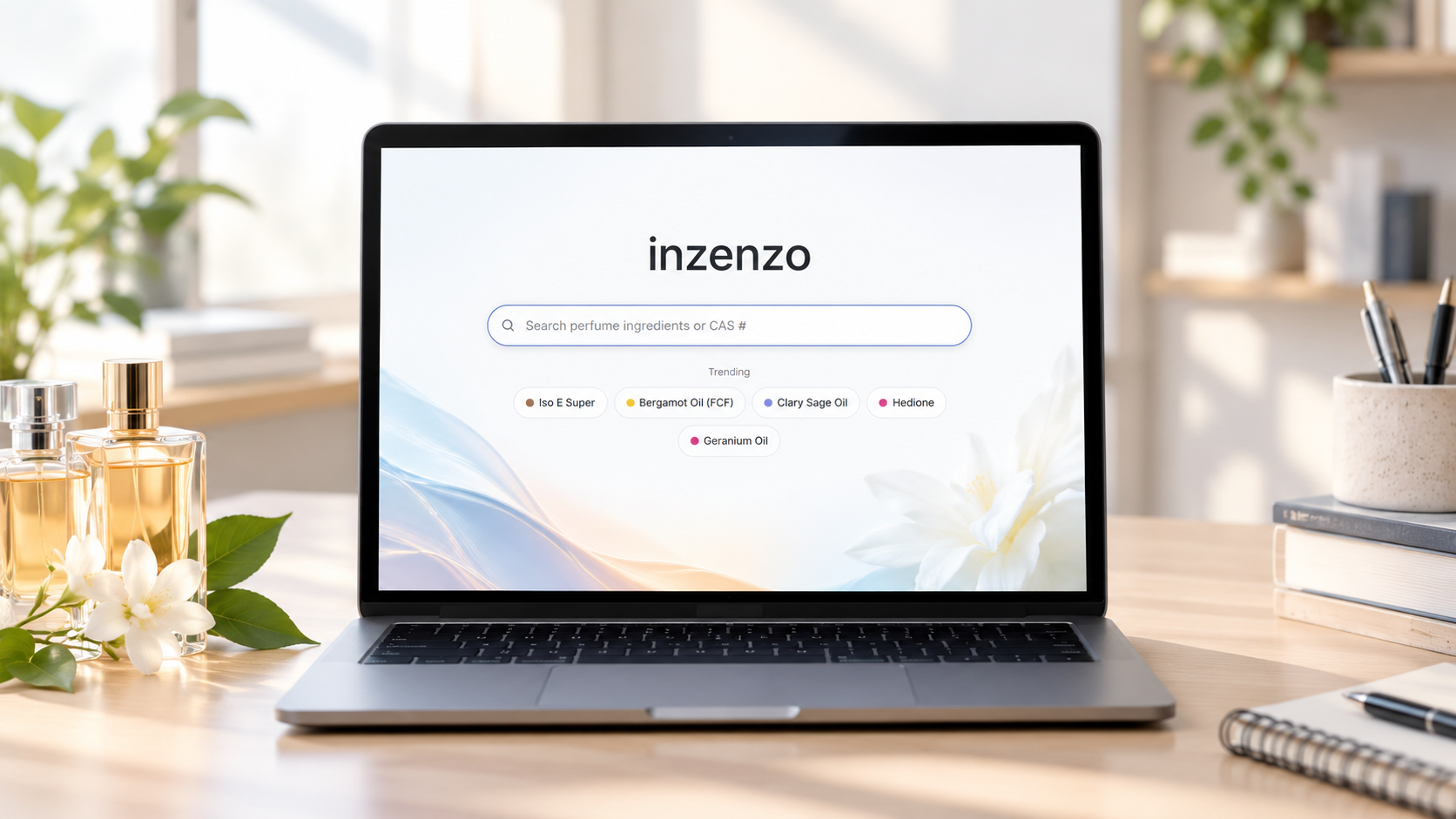
Explore ingredients is the search box on the Inzenzo home page. Type the name or the CAS number of a perfume material, pick it from the list and open its page. You do not need an account.
It is the starting point for most of what you do on Inzenzo, because every other tool begins with a material.
How to find an ingredient
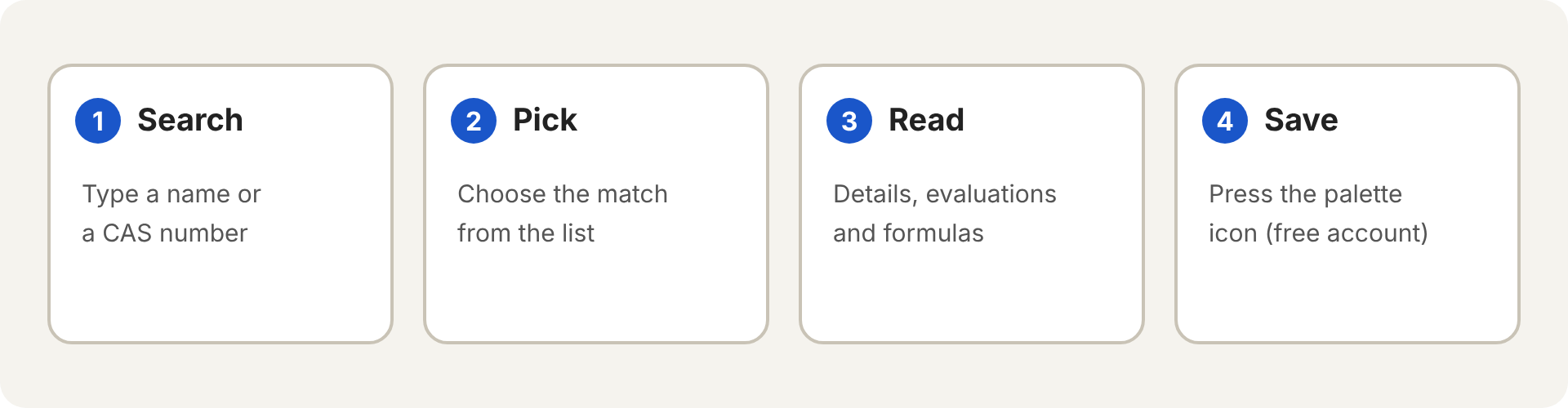
- Open the home page and click the search box.
- Type part of a name or a CAS number. Matches appear as you type.
- Pick the right one to open the ingredient page.
- With a free account, press the palette icon beside the name to save the material to your palette.
What is on an ingredient page
- Details and olfactive family for the material, shown at the top.
- Evaluations that members chose to share, so you can compare how others found it.
- Formulas that use the material, from members who made them public.
If you are signed in, you can also press Evaluate this ingredient to start an evaluation of that material.
Why the CAS number helps
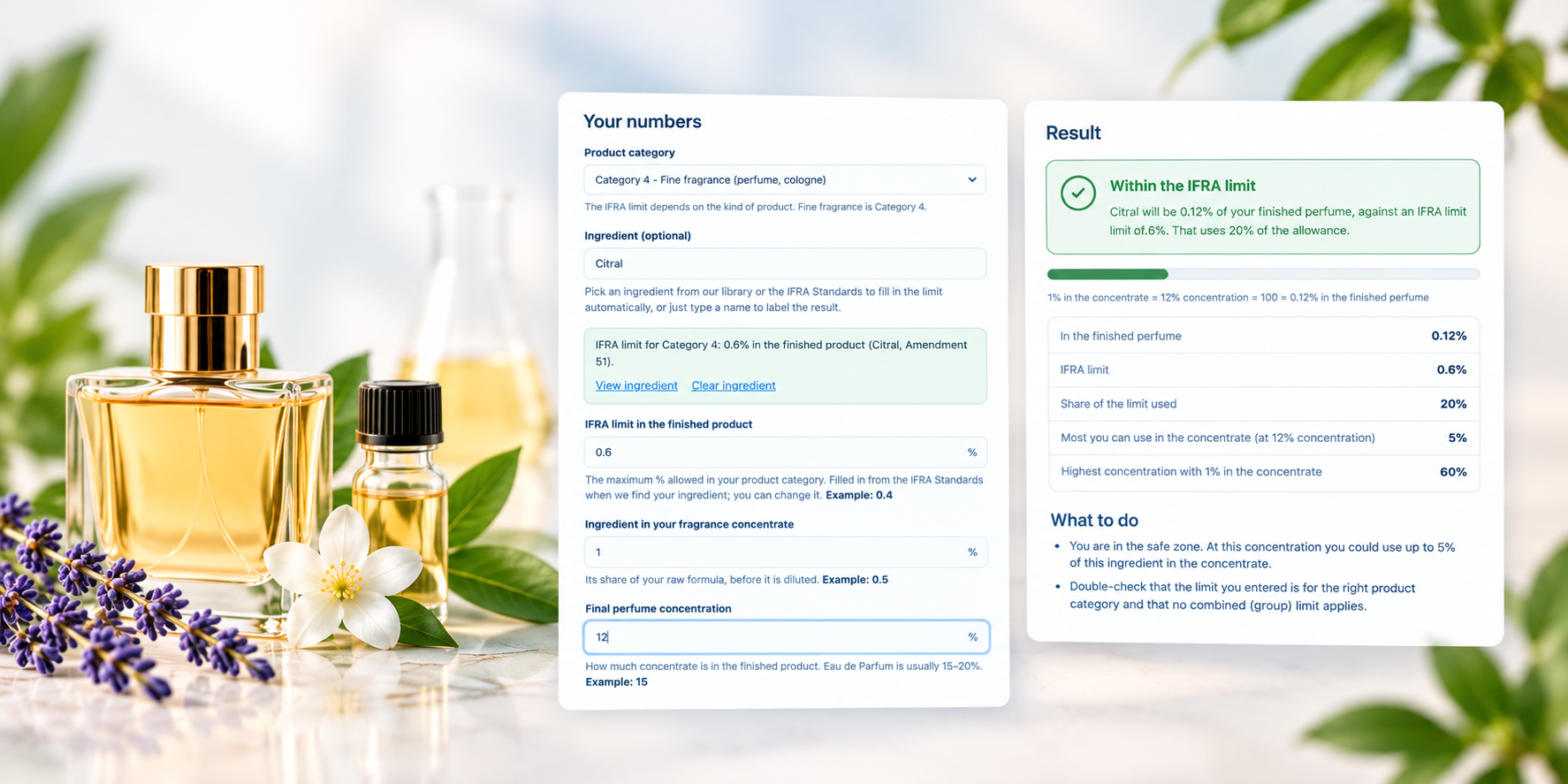
A CAS number identifies one chemical substance, whatever name a supplier uses for it. Searching by CAS avoids mix-ups between trade names and synonyms. It is also the key the IFRA tools use: the IFRA lookup and the IFRA calculator both look up limits by CAS number.
Frequently asked questions
Do I need an account to search?
No. Searching and reading ingredient pages is open to everyone. You need a free account to save materials, evaluate them or build formulas.
What if I cannot find a material?
Try the CAS number instead of the name, or a shorter part of the name. If the material is not in the library yet, it has not been added.