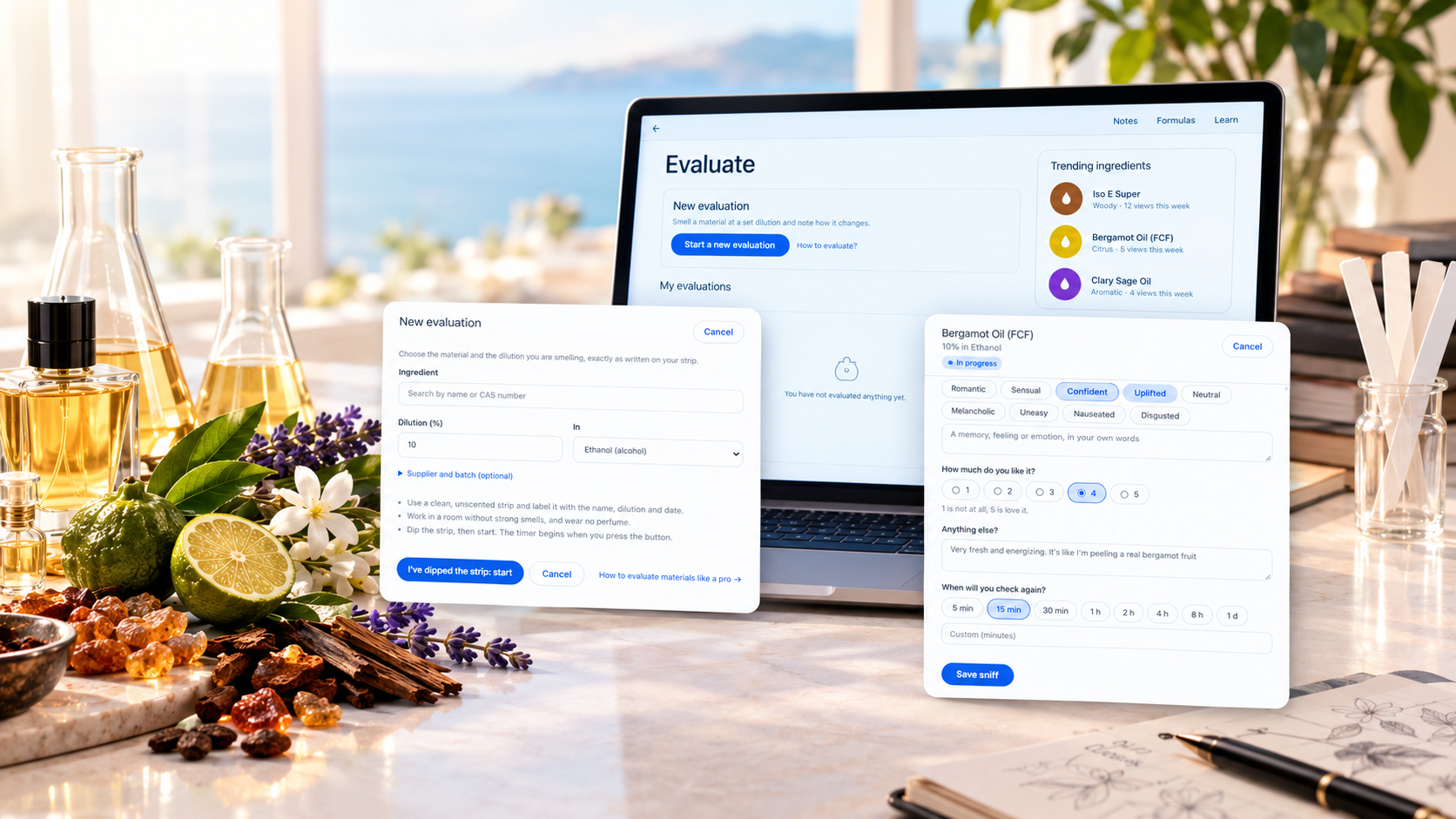
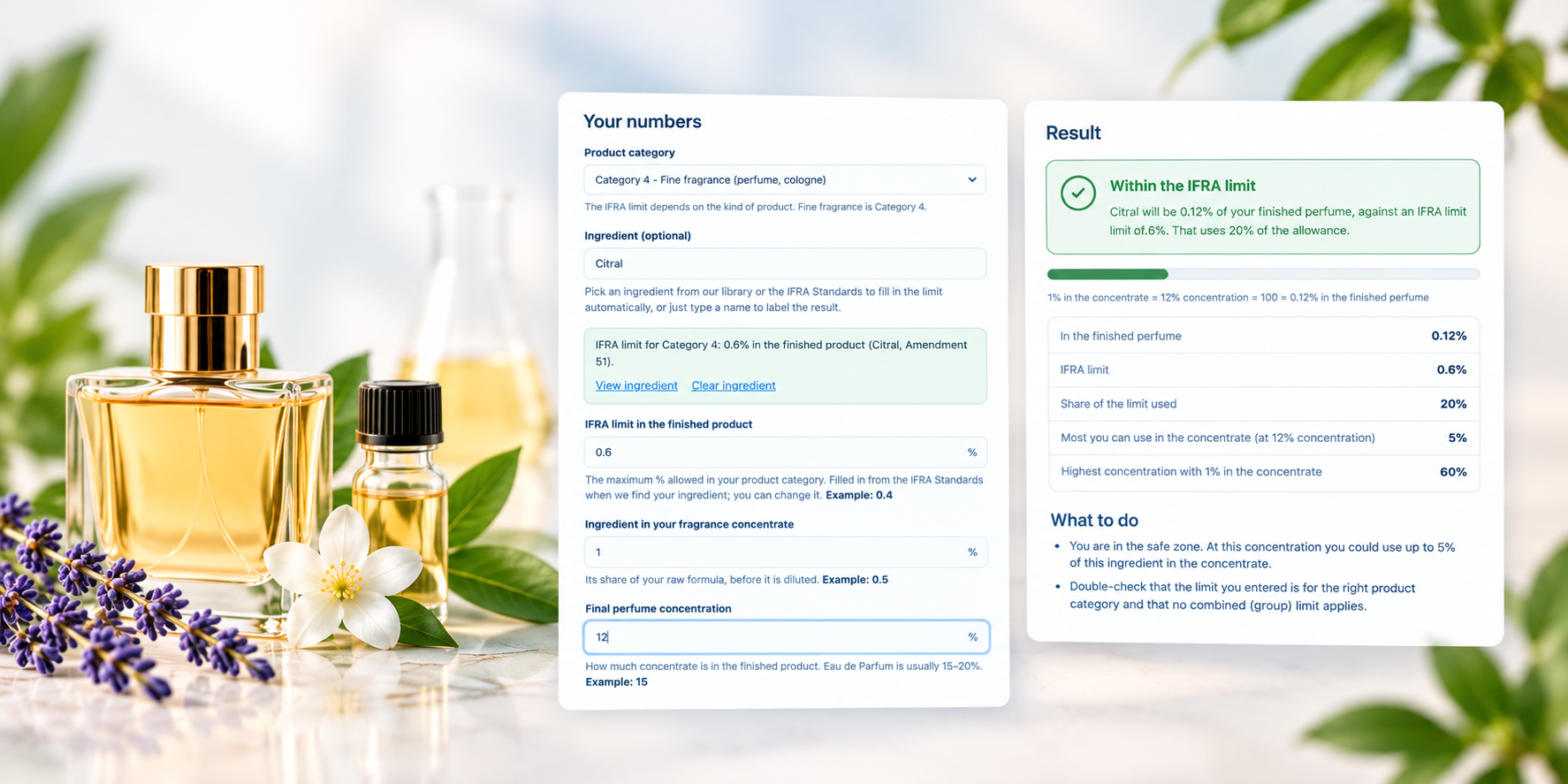
The formula maker is where you write a perfume formula on Inzenzo: choose materials, enter purity and weight, and watch the total and percentages update. Save it privately for yourself or publicly for the community. You need a free account.
Build a formula step by step
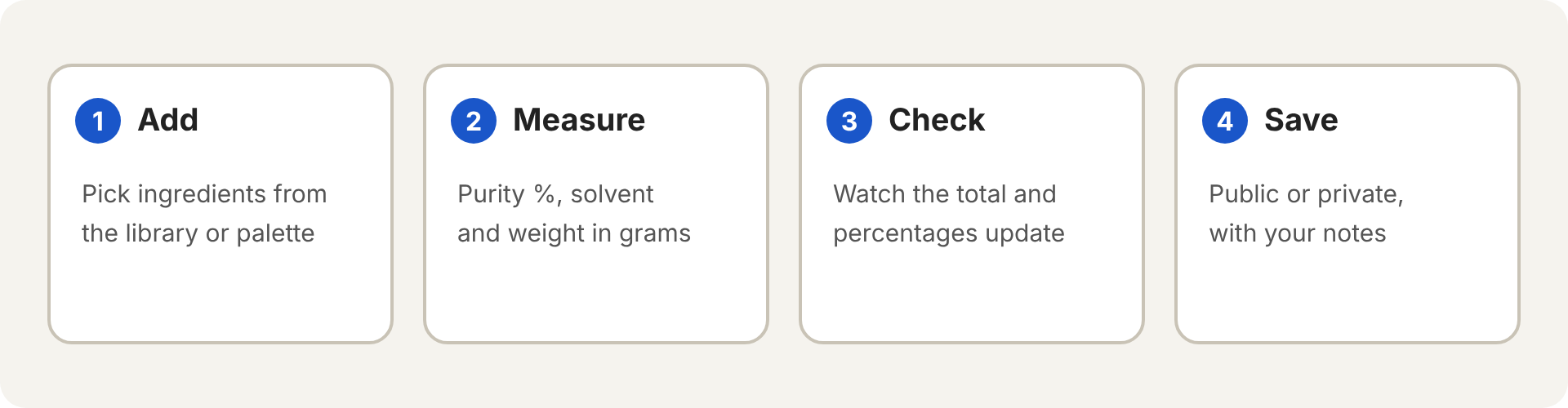
- Open the formula maker and give your formula a name.
- Add an ingredient by typing its name or CAS number. If you keep a Perfumer’s palette, switch Ingredients from to My palette to search only your own materials and accords.
- Enter the purity in percent and the weight in grams.
- If the purity is below 100%, choose the solvent used to dilute the material.
- Add more lines with Add ingredient.
- Write notes if you like, choose who can see the formula, and press Save formula.
How purity, solvent and weight work together
The weight you enter is the weight of what goes on the scale, solvent included. A material at 10% in ethanol, weighed at 30 g, is one line at 30 g. That is why Inzenzo asks for the solvent whenever purity is below 100%.
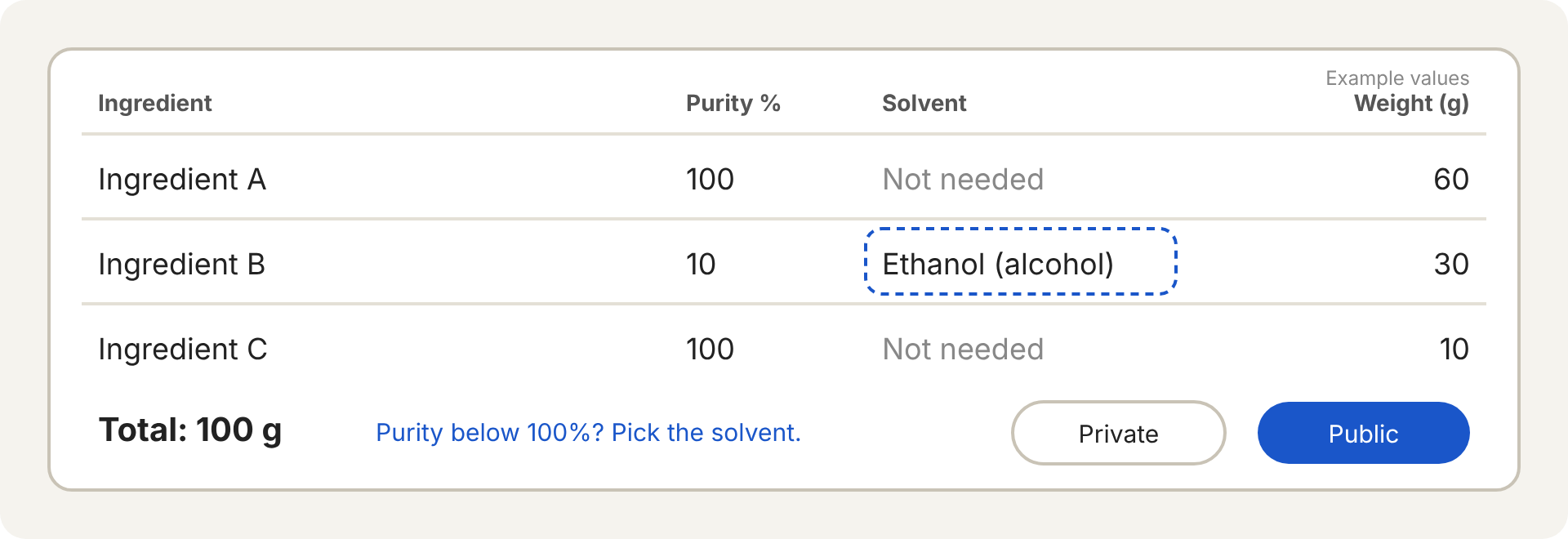
The total at the bottom is the sum of all weights in grams. Once saved, the formula page shows each ingredient with its share of the total.
Public or private
- Public: everyone can see the formula, and it can appear on the pages of the ingredients it uses.
- Private: only you can see it, and you can change this later from My formulas.
Formula names and notes are plain text. Links are not allowed.
Use accords as one ingredient
A formula of your own can be saved as an accord in your palette and used inside a new formula. It counts as one ingredient: you enter only its weight. Press the accord name on the saved formula to open the accord. The palette guide explains how.
Frequently asked questions
Can I edit a formula after saving it?
Yes. Open it from My formulas and choose edit, then save your changes.
Is there a limit on the number of ingredients?
Yes. The formula maker stops you when you reach the maximum number of ingredients per formula.
Does the formula maker check IFRA limits?
Not on the formula itself. Use the IFRA calculator to check a material against its limit.