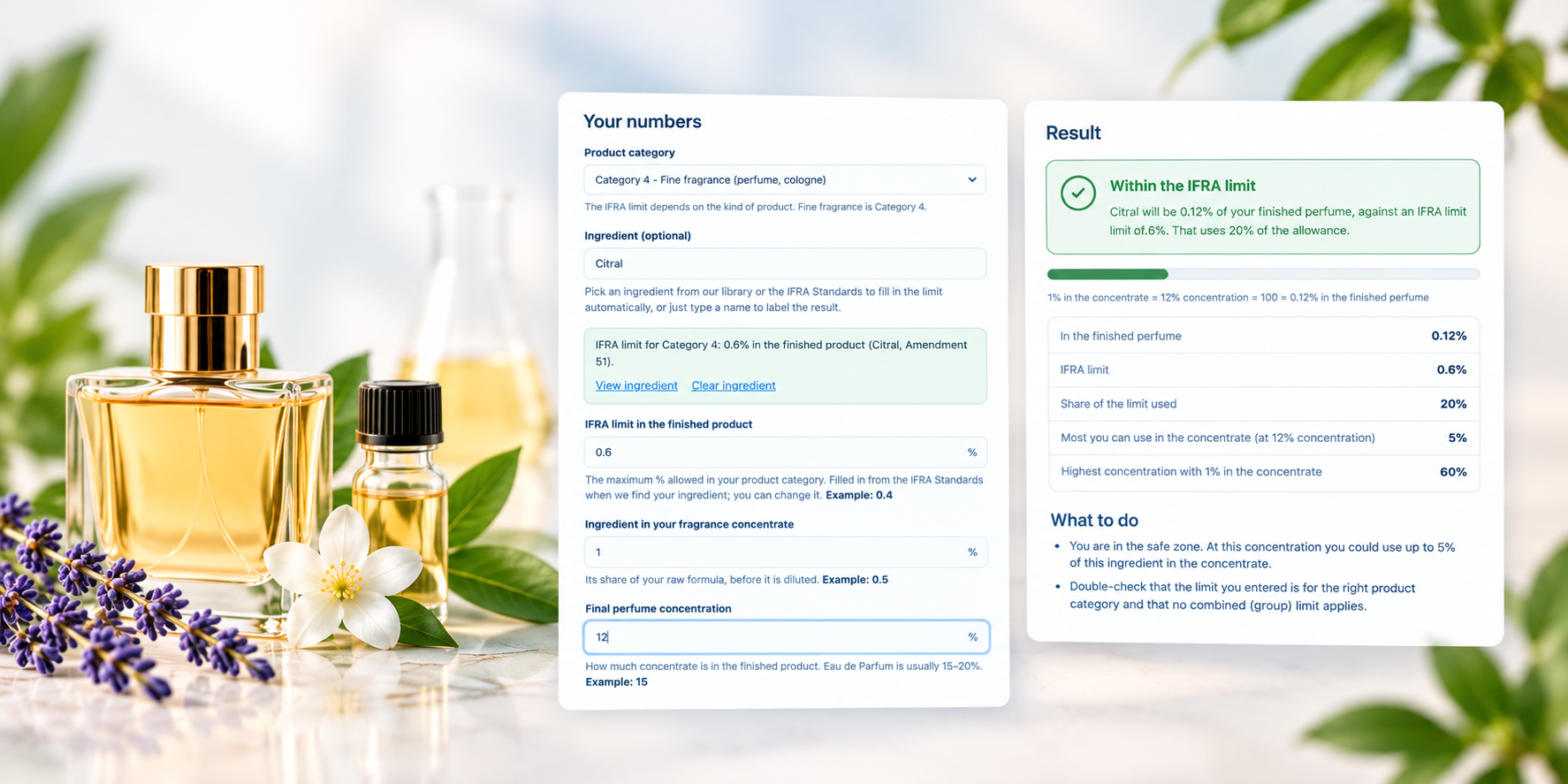
IFRA lookup answers one question: what does IFRA say about this material? Type a CAS number, or a material name, and see the limits in all 18 product categories, the strictest limits, the deadlines and the other materials covered by the same Standard.
How to use IFRA lookup
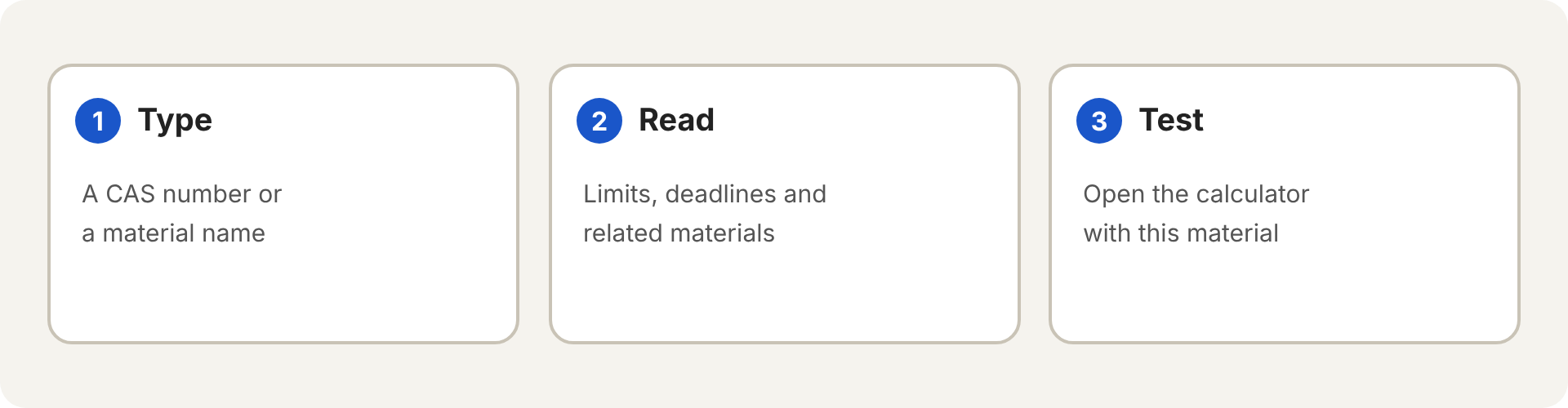
- Open IFRA lookup.
- Type a CAS number, for example 80-54-6. You can also type a material name and pick it from the list.
- Press Look up.
- Read the result, then use the button to open the calculator for that material.
What you get
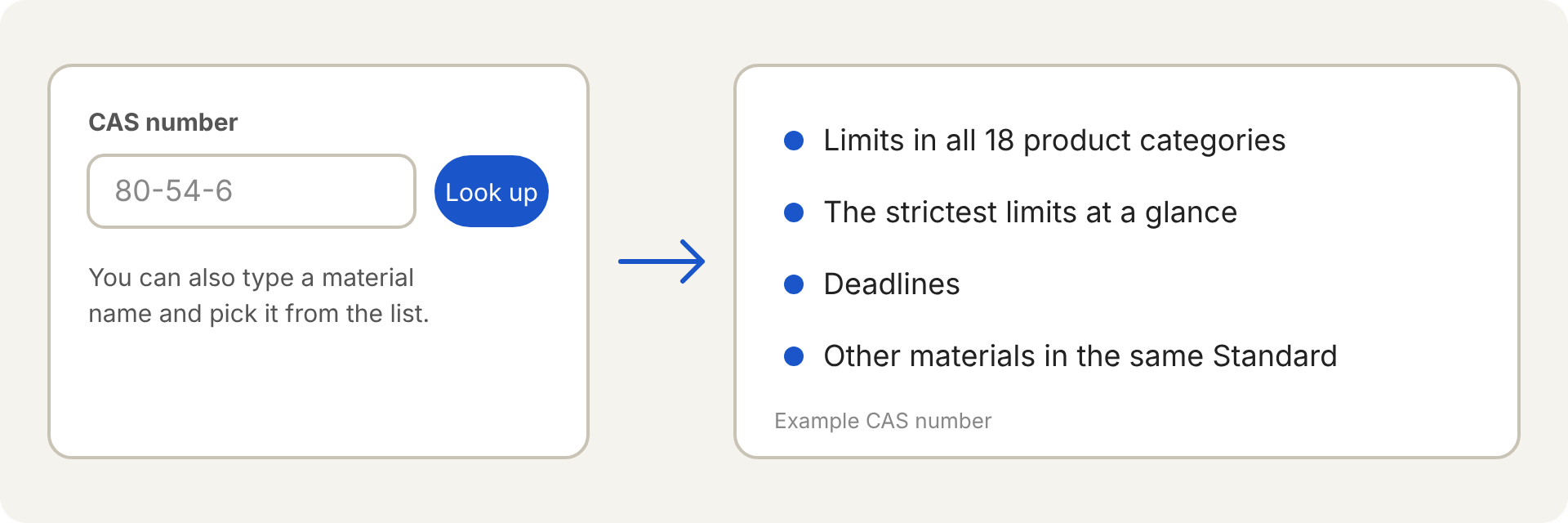
- At a glance: the answer for fine fragrance (Category 4), the strictest limit and the categories it applies to, and how many categories prohibit or do not restrict the material.
- All 18 product categories in a table, from fine fragrance to other product types.
- Deadlines for new and existing products, and when the Standard was last updated.
- Other materials covered by the same Standard, because some limits apply to a group.
Lookup or calculator?
Use IFRA lookup when you want to read the rules for a material. Use the IFRA calculator when you want to know whether your own formula passes. The lookup result links straight into the calculator.
What to keep in mind
- The data is a summary of the IFRA Standards stored on this site, so it is only as current as the last import. The individual IFRA Standards prevail.
- A CAS number can belong to more than one Standard. The result lists each one.
- It is not legal advice. Confirm important decisions on ifrafragrance.org.
Frequently asked questions
Do I need an account?
The site decides who can use IFRA lookup. If you see a sign-in prompt, a free account unlocks it.
Where do I find a CAS number?
On the material’s page in the ingredient library, or on the supplier’s data sheet.